Split group expenses and settle up in a few transfers
Note down who paid for what. Paguemo works out who owes whom with the fewest possible transfers, ready to share with the group.
 Coming soon
How it works
-
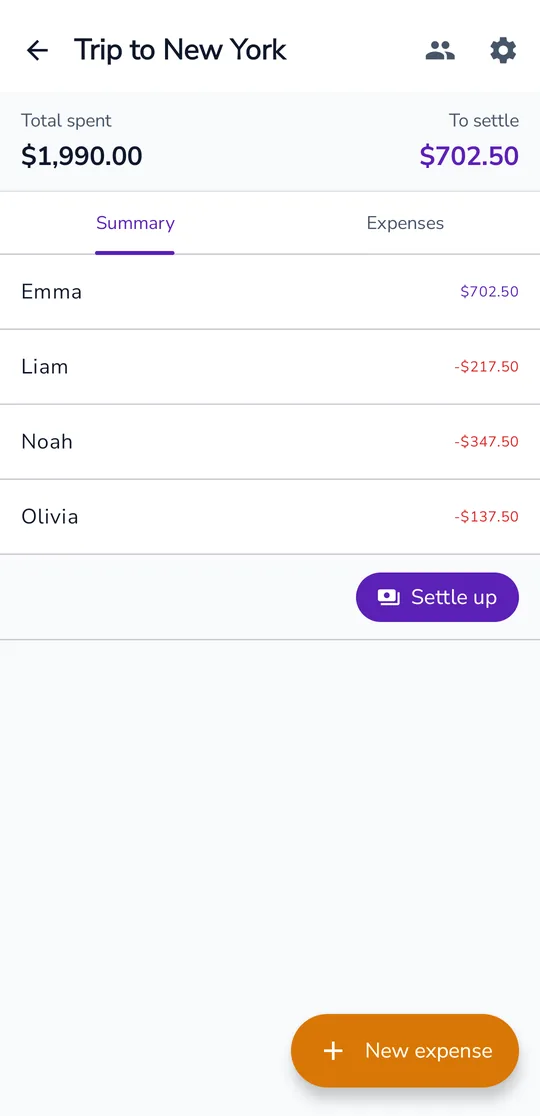
1
Add the expenses
Who paid, how much and who shares it. Each person can have a different share.
-
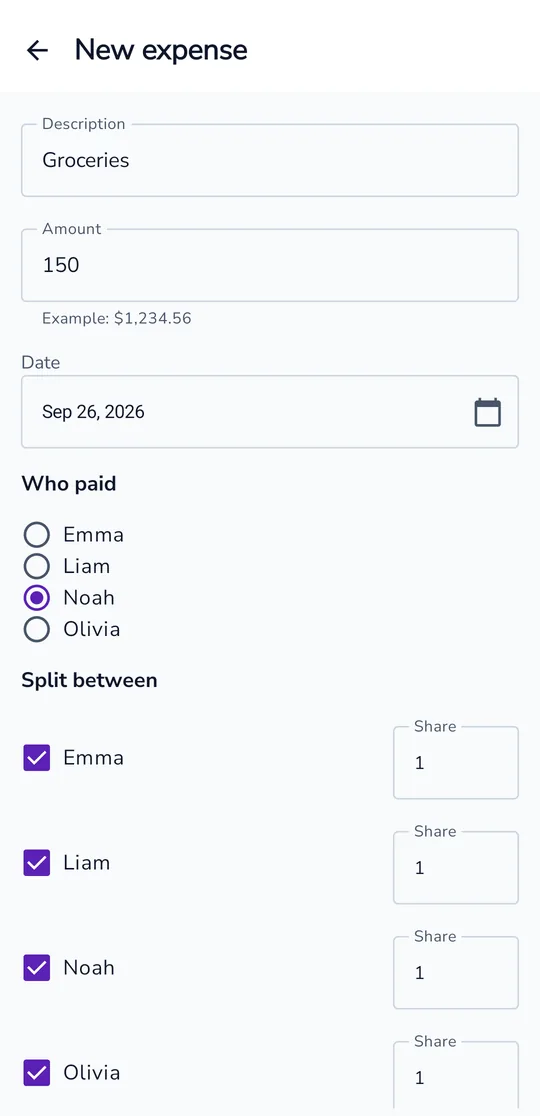
2
See who owes whom
The group's debts become the fewest possible transfers.
-
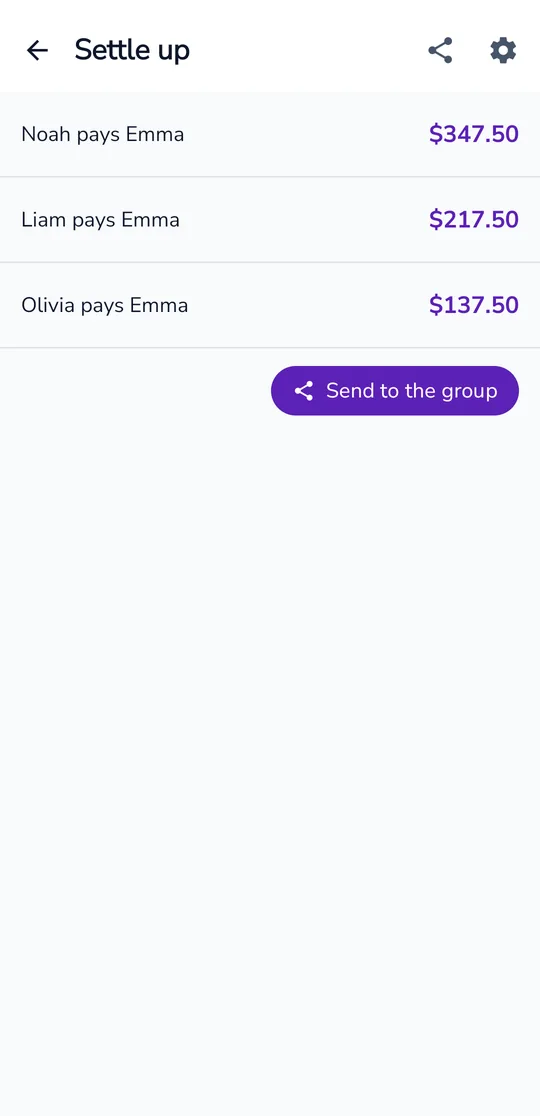
3
Send it to the group
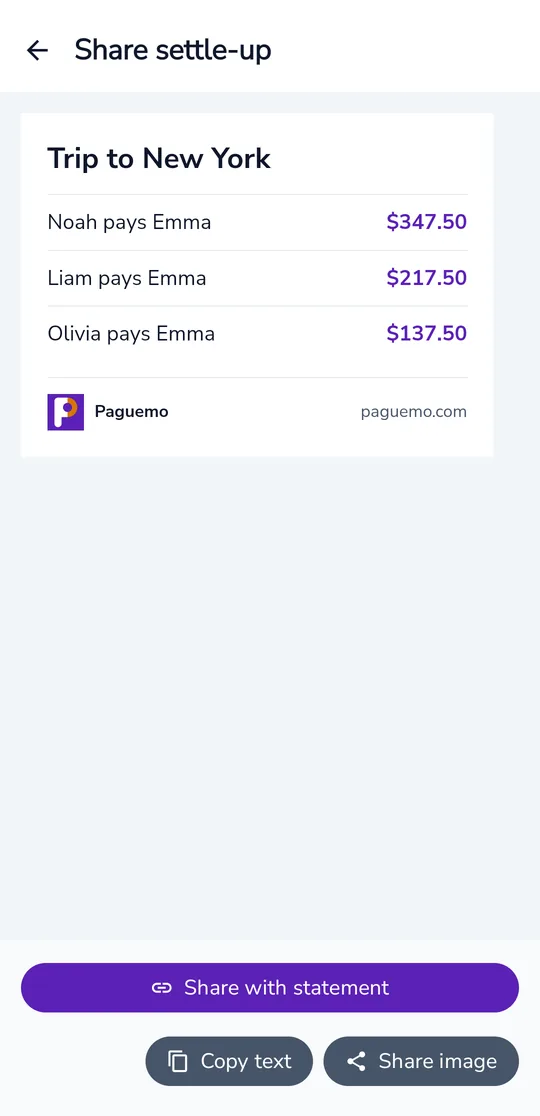
Share the settle-up image in the group chat, with a link to the full statement.
Built for groups, without the hassle
-
No account
No sign-up, email or password. Just open it and start.
-
Your data stays on your phone
Groups and expenses stay on the device and only leave it when you share the settle-up or publish a statement.
-
PIX copy-and-paste in the statement
In a published statement, each pending payment comes with the recipient's PIX copy-and-paste code, amount included. The PIX key is not shown in the settle-up image.
-
In Portuguese, English and Spanish
The app follows your phone's language, and you can change it in Settings.
Frequently asked questions
Is Paguemo free?
Yes. Creating groups, adding expenses, settling up and sharing cost nothing.
Do the people I share with need to install the app?
No. The settle-up image opens in any chat, and the statement link opens in the browser.
Does it work offline?
Yes. Only publishing the statement needs a connection.
Does Paguemo receive or hold my money?
No. Payments go straight from one person to another, through their own banks. Paguemo only works out and shows who pays whom.
Settle your next group bill without a spreadsheet
Coming soon